
Menu
The do-not-contact list
People, emails, domains and numbers no channel will ever contact.
1 min read 2 steps
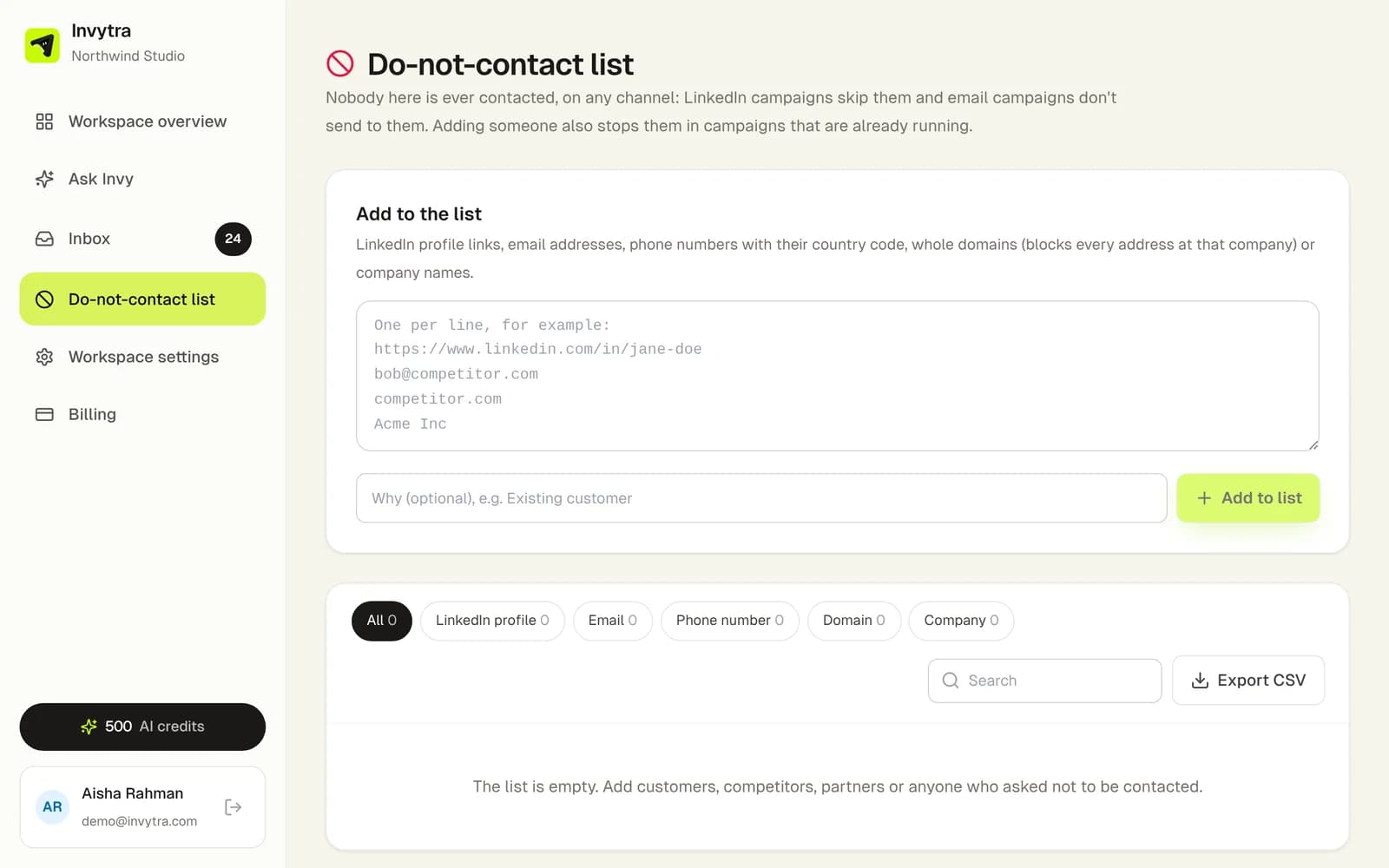
- 1Open the workspace → Do-not-contact list.
- 2Paste LinkedIn profile links, email addresses, whole domains (e.g. competitor.com) or phone numbers, one per line, and click Add to the list.
- Every channel checks it before each step, including campaigns already running.
- People are added automatically when they unsubscribe from email or reply STOP on WhatsApp.
- Export it as CSV any time.
Was this page helpful?