
Menu

How Invytra works
One workspace, three channels, one inbox.
2 min read 5 steps
Invytra finds and contacts people for you on LinkedIn, email and WhatsApp, follows up on its own, and puts every reply in one inbox. You set up the people to reach and the messages to send; Invytra does the sending, at a safe pace, in the cloud. Your laptop can stay closed.
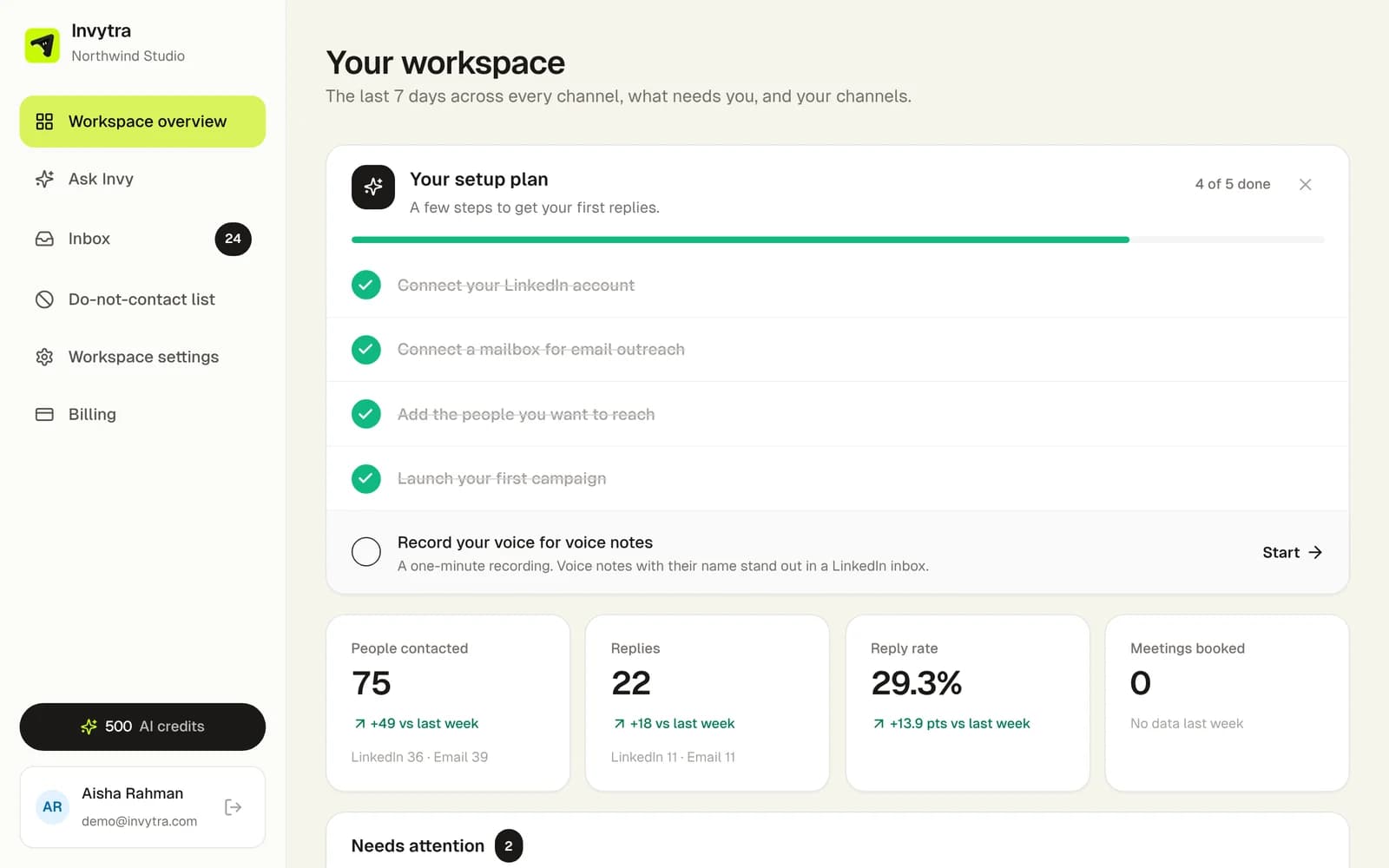
The pieces
- Workspace: your company's space. Your team, billing, the Unibox (every reply from every channel) and the do-not-contact list live here, outside any channel. Open it at app.invytra.com.
- Channels: LinkedIn, Email and WhatsApp are separate tools inside the workspace, each with its own menu (Dashboard, Inbox, Campaigns, Contacts…). Open one from All channels.
- Senders: the LinkedIn accounts, mailboxes and WhatsApp number that send for you. Each plan includes one sender per channel; you can add more.
- Campaigns: who to contact, what to send and when to follow up. Each person moves through the steps on their own clock, and stops as soon as they reply.
- Unibox: every reply from every channel, with the conversation, so you can answer without leaving Invytra. Each channel also has its own Inbox.
A typical first week
- 1Sign up and answer the few setup questions (which channels, what you want to achieve). See Create your account.
- 2Connect a sender: a LinkedIn account, a mailbox or a WhatsApp number.
- 3Add the people you want to reach: a LinkedIn search, a CSV file or your WhatsApp contacts.
- 4Build a campaign and start it. New mailboxes warm up for about two weeks first.
- 5Answer replies in the inbox. A short report arrives by email 3 hours after each campaign starts.
Invytra never contacts anyone on your do-not-contact list, and someone who replied on one channel isn't contacted again on another.
Was this page helpful?