
Menu

Create a LinkedIn campaign
Choose senders and leads, build the steps, start.
1 min read 6 steps
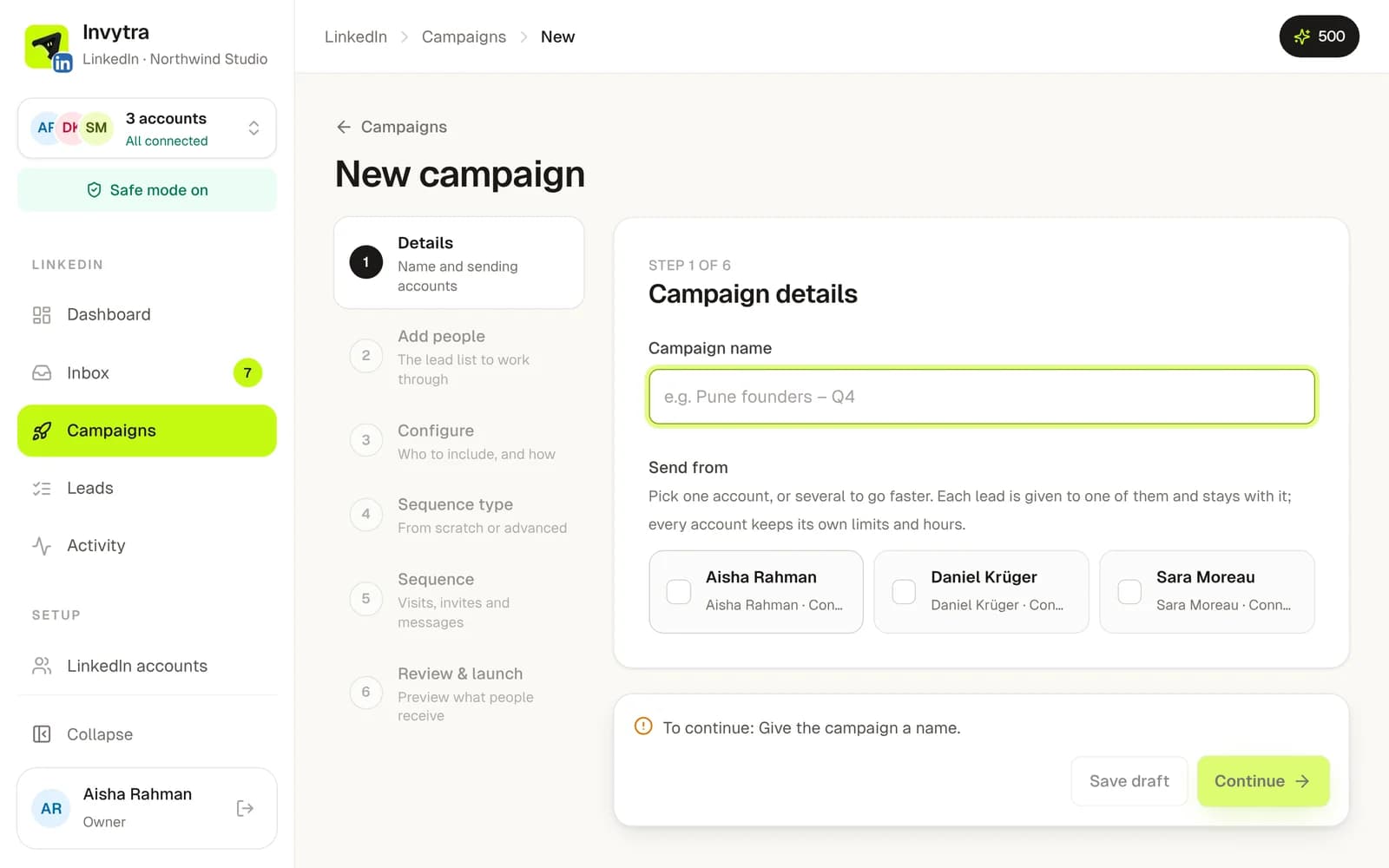
- 1Open Campaigns → New campaign and name it.
- 2Pick one or more senders (LinkedIn accounts). Leads are shared out between them; each person stays with one account.
- 3Pick the lead list.
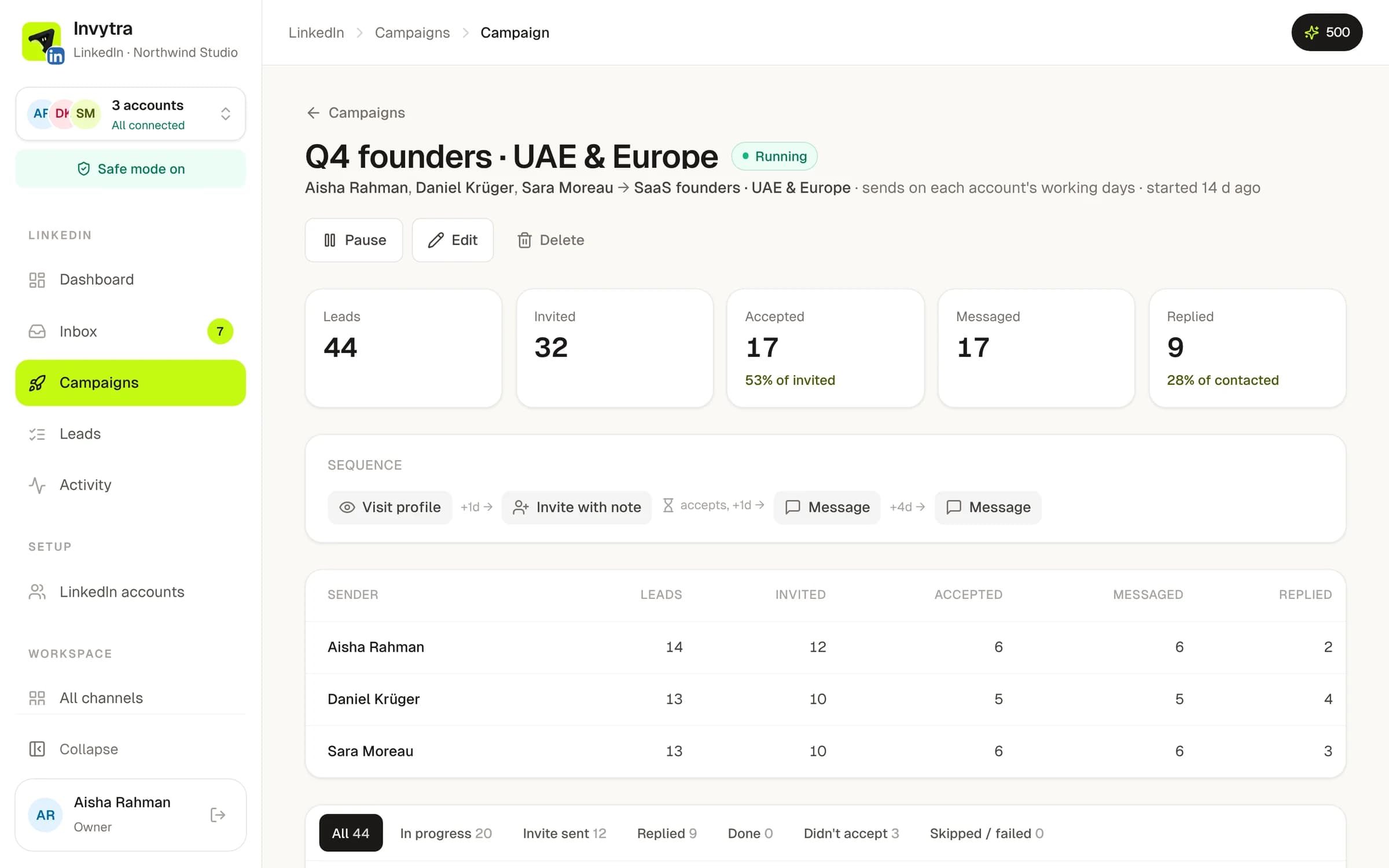
- 4Build the sequence from a ready-made start (Invite + follow-ups, Invite only, Message connections) or your own steps: visit profile, follow, like a post, invite (with or without a note), message, event invite.
- 5Set the wait between steps in days. Messages only go to people who accepted.
- 6Review and Start. You can pause, edit or add leads at any time.
Personalise
- Use variables like
{first_name}and{company}in notes and messages. - The AI writer drafts a message or a first line per person (1 AI credit).
- Message extras: a handwritten note card, a voice note in your own voice, or a video note that greets each person by name. They cost AI credits; set up your voice and video in the workspace first.
A person who replies stops getting follow-ups straight away, on every channel.
Was this page helpful?