
Menu
Create an email campaign
Steps, mailboxes, schedule; follow-ups stop on a reply.
1 min read 5 steps
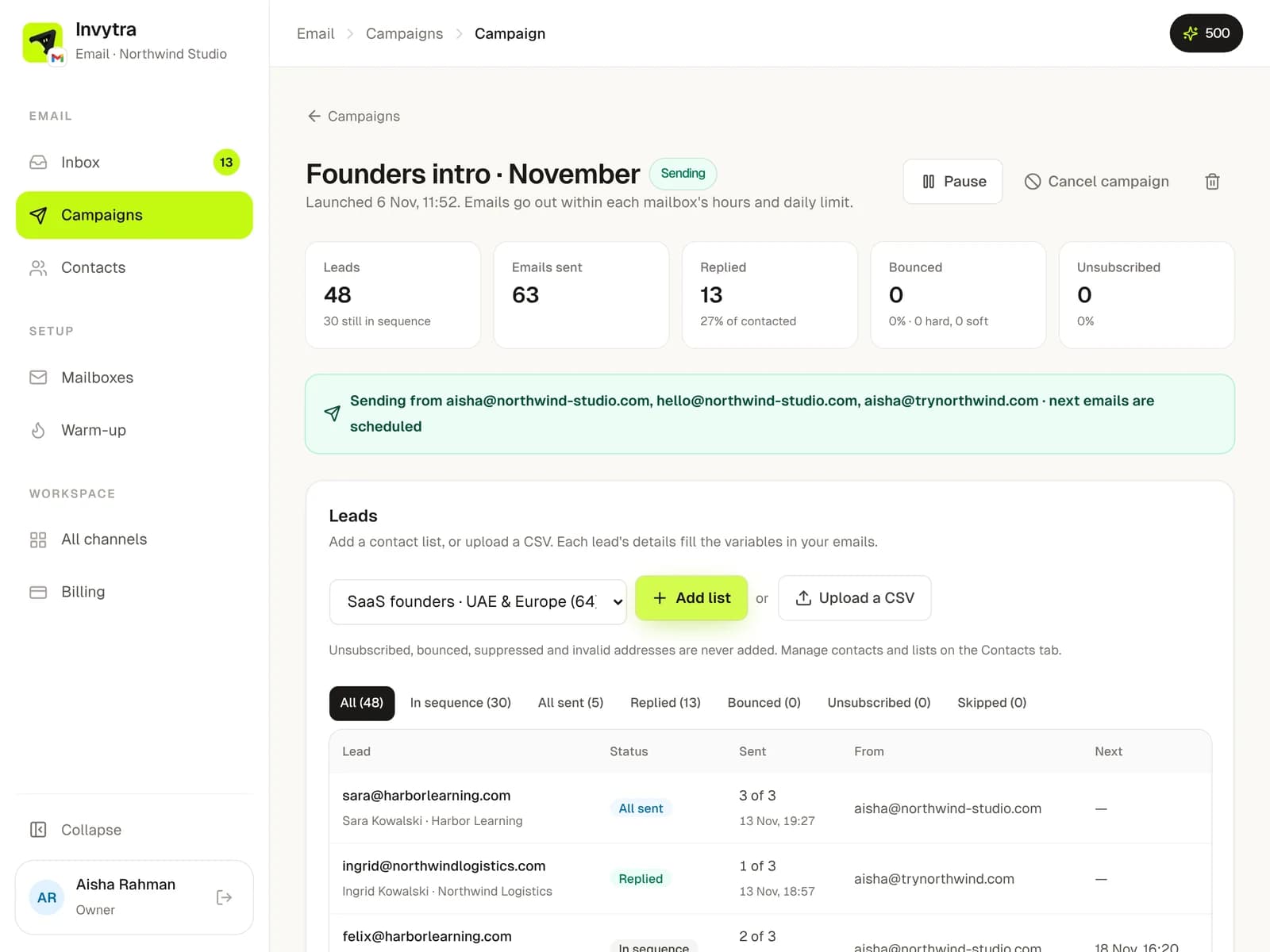
- 1Open Campaigns → New campaign and name it. The campaign page opens.
- 2Write the sequence: the first email and follow-ups, each with a wait in days. Follow-ups go in the same thread. Use variables like
{first_name}; the AI writer can draft them for you. - 3Pick the mailboxes that send it. Sending is spread across them, within each one's hours and daily cap.
- 4Under Leads, add a contact list or upload a CSV.
- 5Click Launch campaign: Send now, or Schedule for later.
- Every email has an unsubscribe line; people who unsubscribe are never emailed again.
- Bounces are caught and those addresses are skipped.
- Replies stop the follow-ups for that person and show in the inbox.
Was this page helpful?