
Menu

Contacts, lists and verification
Upload a CSV, keep lists, check addresses before sending.
1 min read 3 steps
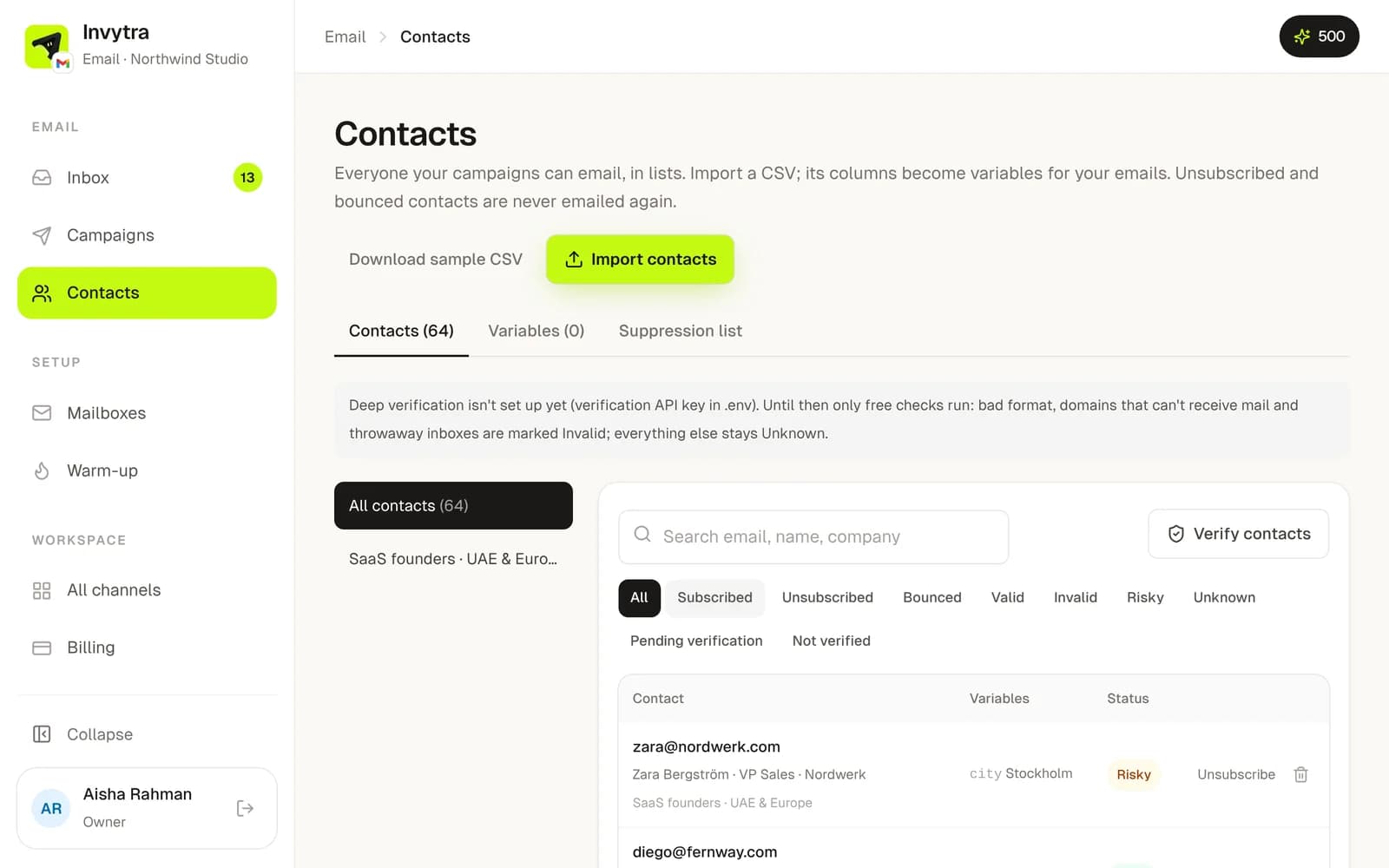
- 1Open Contacts → Import contacts and upload a CSV (email plus any columns like first name, company).
- 2Choose or create a list for them. Every column becomes a variable you can use in emails.
- 3Click Verify contacts to check the addresses (1 verification credit each). Invalid ones are never sent to.
Unsubscribed, bounced and do-not-contact addresses are skipped automatically in every campaign.
Was this page helpful?