
Menu

Import leads
From a LinkedIn or Sales Navigator search, or a CSV file.
1 min read 3 steps
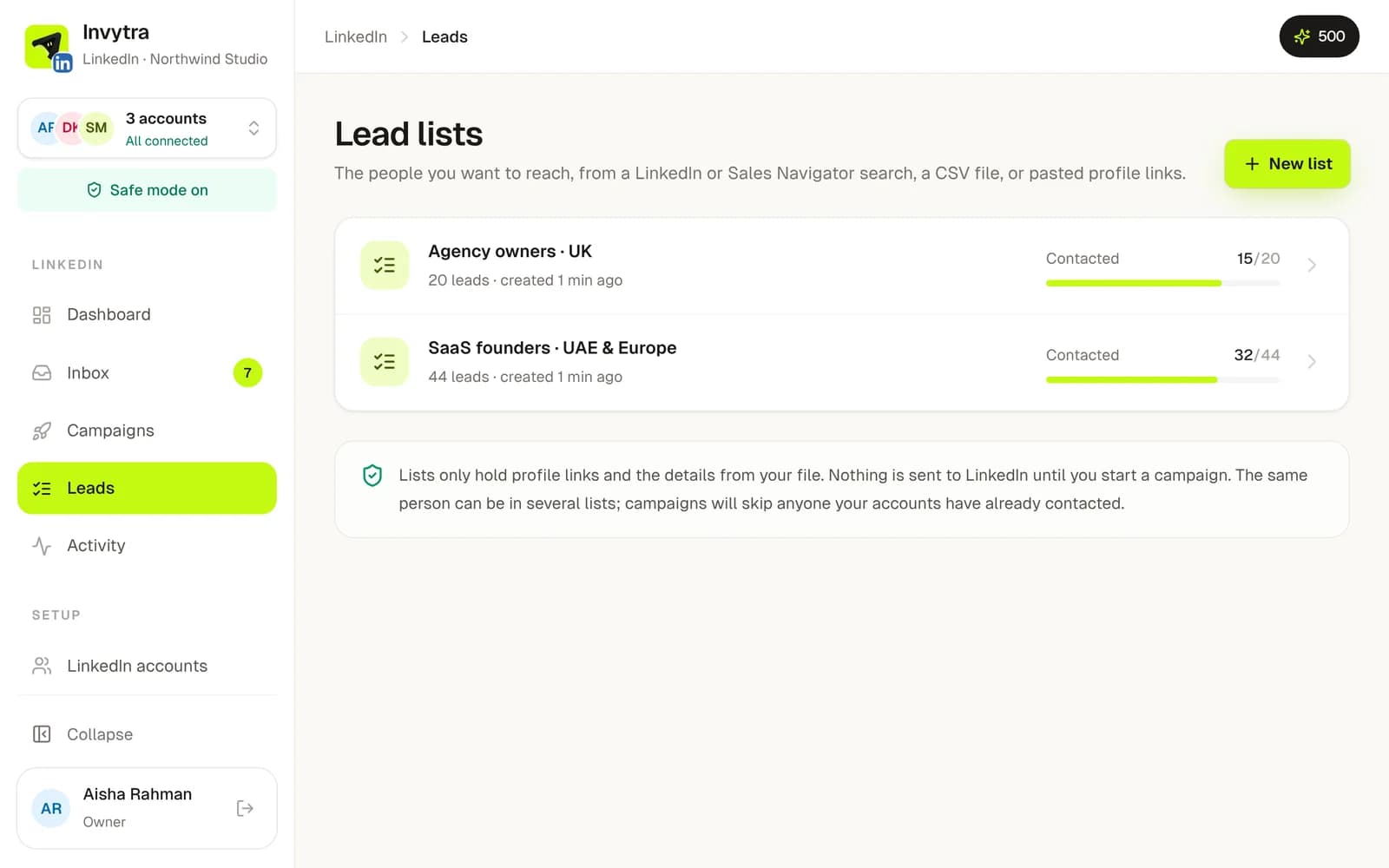
- 1Open Leads and click New list.
- 2Choose how to fill it: paste a LinkedIn or Sales Navigator search link (Invytra collects the people from the results), or upload a CSV with a LinkedIn profile link per row.
- 3Check the preview and import. Extra columns in your file (company, city…) can be used in your messages.
Leads added to a list later join any running campaign that uses it. People on your do-not-contact list, or already in another campaign, are skipped.
Was this page helpful?