
Menu

Your team and workspace settings
Invite teammates, rename the workspace, delete it.
1 min read 3 steps
Invite a teammate
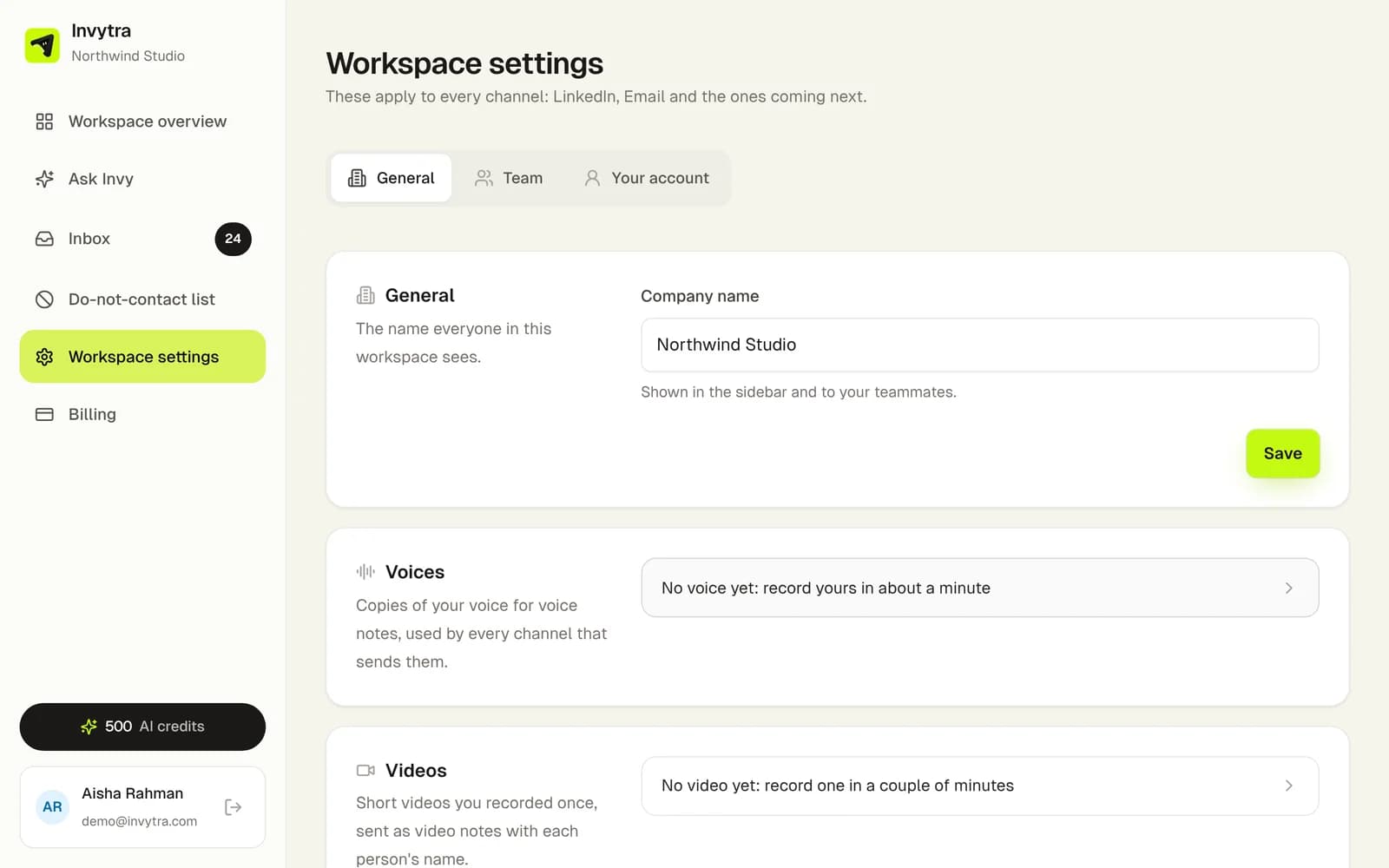
- 1Open the workspace (app.invytra.com) and go to Workspace settings → Team.
- 2Enter their email and click Send invitation. They get an email with a link that works once, for 7 days.
- 3They create a password and join your workspace. You can resend or cancel an invitation that hasn't been used. Every plan includes unlimited teammates.
- Owner: everything, including inviting and removing teammates, billing, plans and deleting the workspace.
- Teammates: share everything in the workspace (channels, campaigns, contacts, inbox) except billing.
Delete the workspace
Only the owner can, from Workspace settings → General. It deletes your senders, contacts, campaigns and messages for good. Paid invoices are kept for the law's sake.
Was this page helpful?