
Menu

Contacts, consent, tags and segments
Import people who agreed to hear from you, then group them.
1 min read 4 steps
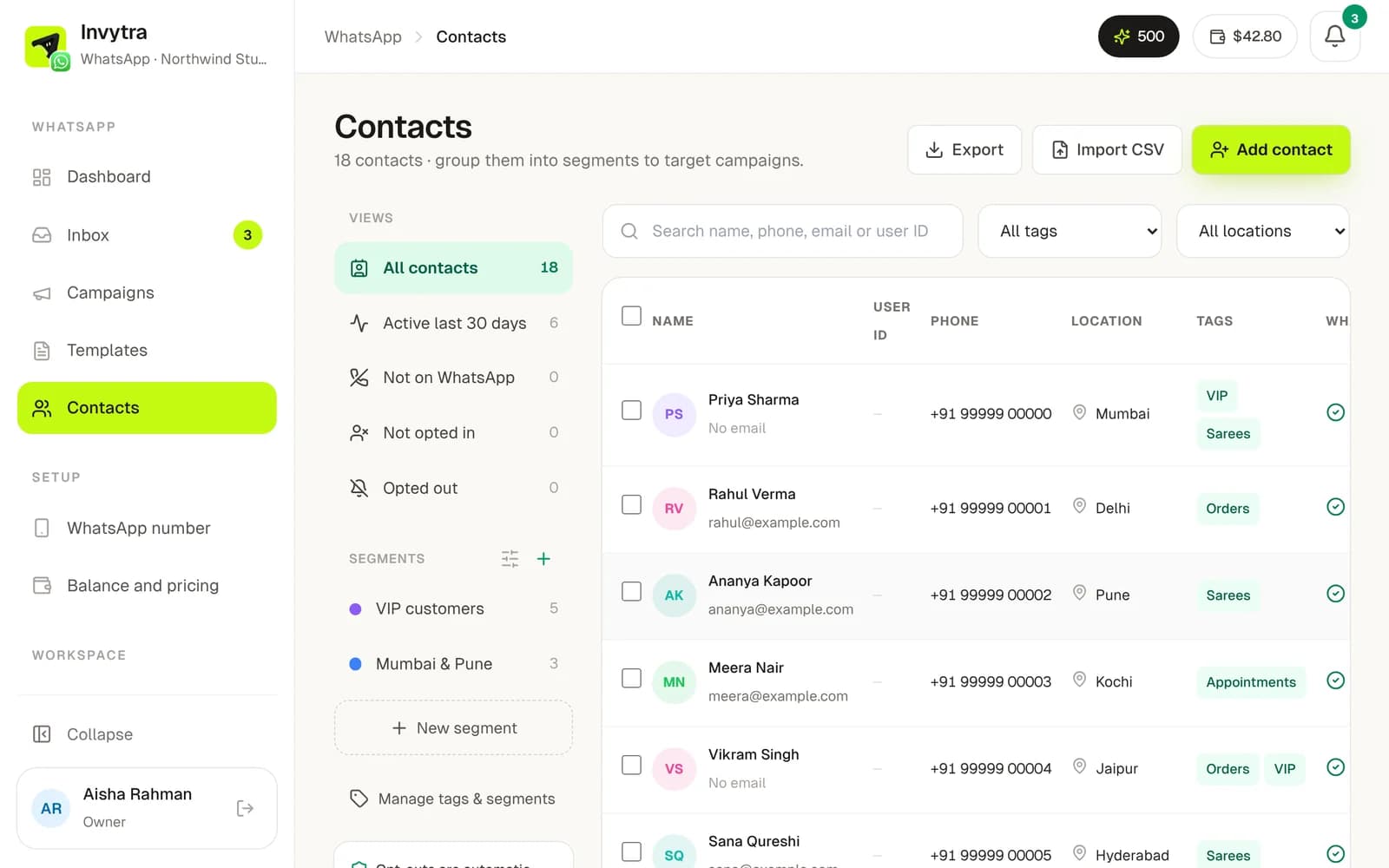
Only message people who agreed to get WhatsApp messages from you (a checkbox at checkout, a form, or they wrote to you first). Contacts without consent are saved but never messaged. It's Meta's rule and it protects your number.
Add contacts
- 1Open Contacts → Add contact.
- 2Choose Bulk upload and drop a CSV or Excel file, or add one person by hand.
- 3Map your columns: phone (with country code), name, email, tags, location, a User ID from your own system, and Consent (yes/no).
- 4Check the preview and import. Importing the same people again updates them (matched by User ID, then phone).
Organise them
- Tags (e.g. vip, cart) to pick who gets a campaign. Select contacts to add tags in bulk.
- Segments: saved rules like “tag is vip and location contains Mumbai” that stay up to date by themselves.
- Click anyone to see their details, consent, segments and history, and to edit them.
- Someone who replies STOP is opted out at once and added to the do-not-contact list.
Was this page helpful?